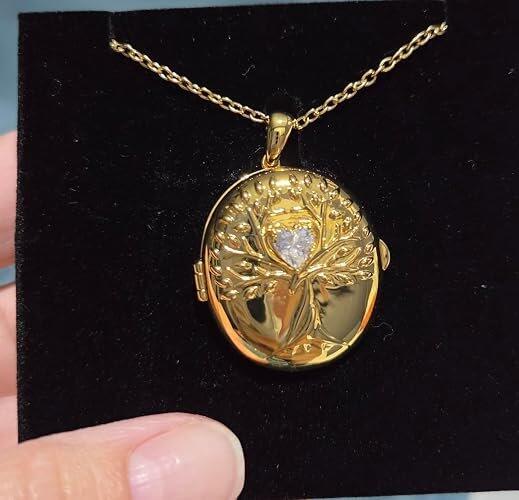
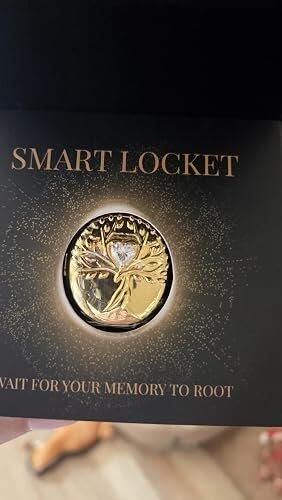
Tree of Life AI Smart Locket
 2026 European Product Design Award Winner — Jewelry
A Living Memory You Can Wear.
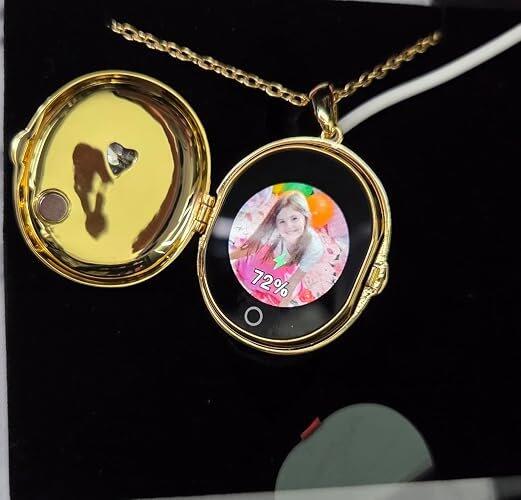
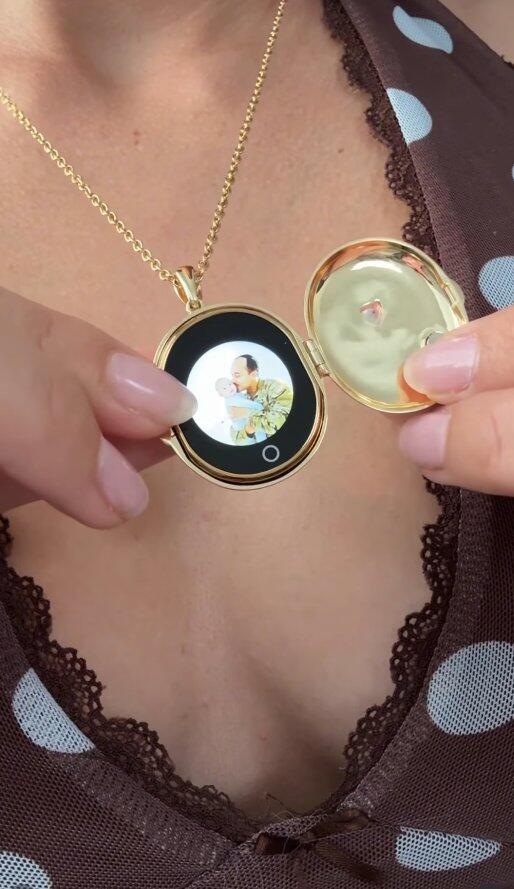
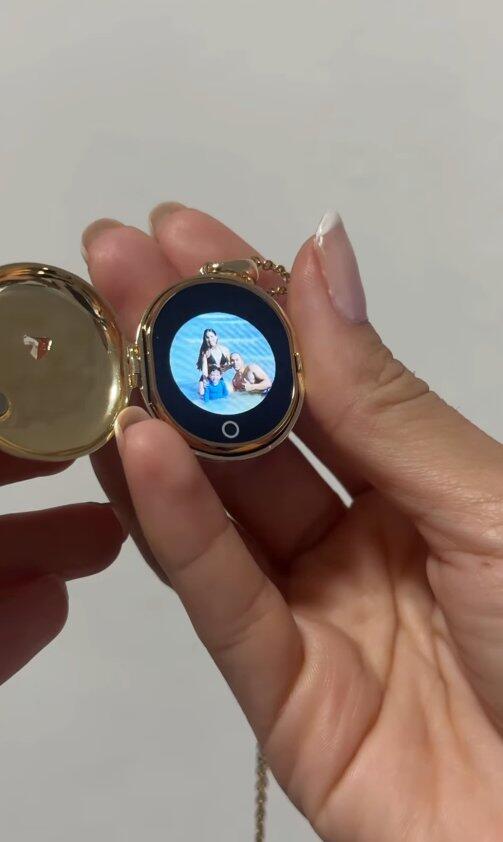
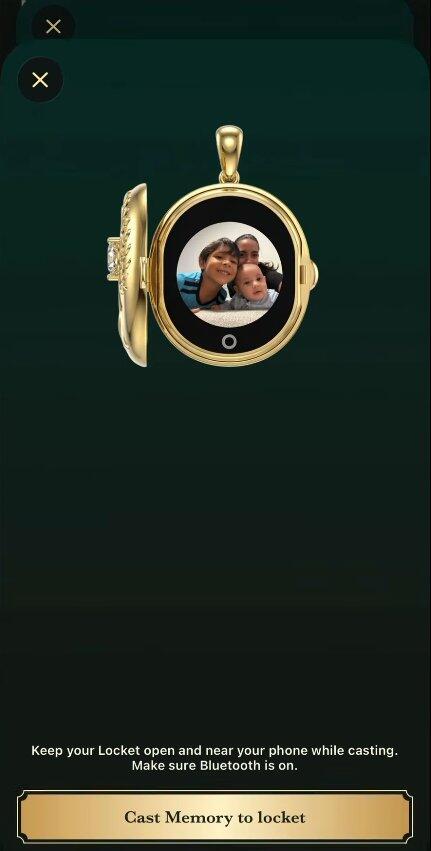
Keep the people, pets, and moments you love close with a smart locket that brings your favorite memories to life inside—meaningful on the inside, beautiful enough to wear every day, and unforgettable as a gift.
- Photo Slideshows, Short Videos & AI Moving Memories
- Set It Up Yourself or Add Photo Preload (+$4.99)
- View Memories Without a Phone or Wi-Fi
- Change Memories Anytime in the App
- Private, On-Locket Storage

- No Subscription Fee
- Free iOS & Android App
- 30-Day Free Returns
- 1-Year Warranty
Dimensions & Fit
• Pendant: 1.18" W × 1.61" H × 0.59" T (30 × 41 × 15 mm)
• Weight: Approx. 19g
• Chain Length: 23.6" (60 cm)
• Adjustable lobster clasp with a 2" extension chain
Memory Features
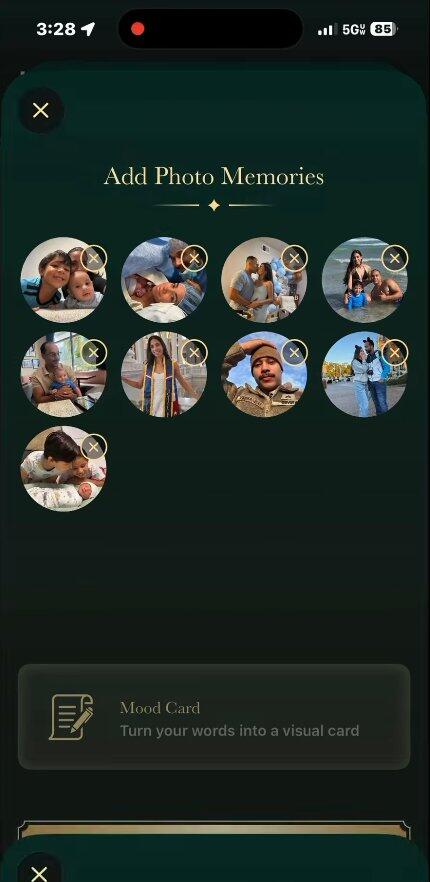
• Display a single photo or loop up to 9 photos
• Upload up to 1 short video and 9 photos together, when a video is included, it plays first, followed by your photos in the order set in the TOTWOO app
• Includes 10 AI Moving Memory creations; created memories can be replayed at no extra cost
• Upload and update photo slideshows, short videos, and personal messages as often as you like—no subscription required
• Change memories anytime through the TOTWOO app
App & Connectivity
• Free TOTWOO app for iOS and Android
• Bluetooth required to add or change memories
• No phone or Wi-Fi required to view saved memories
• Memories are stored locally on the locket
Battery & Charging
• Up to 300 views per charge
• Approximately 8–10 days of standby time, depending on use
• Magnetic USB charging cable included
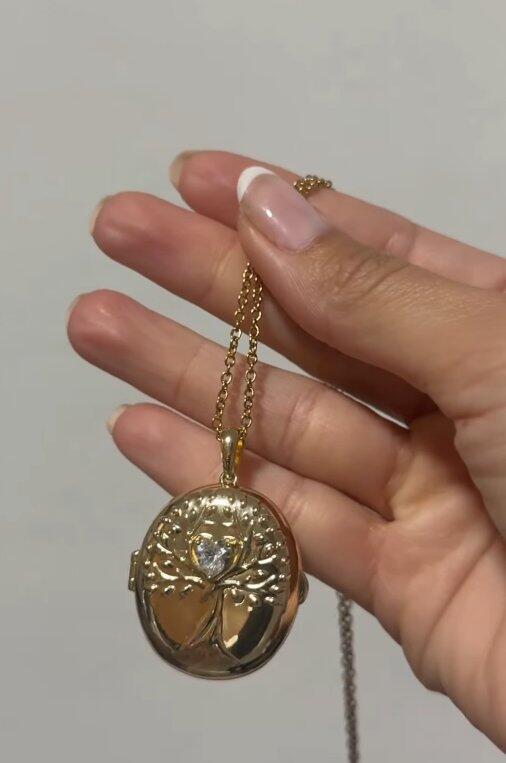
18K Gold-Plated / White Sapphire
A warm, refined finish for everyday elegance. This style features a brass base with 18K gold plating—made with 75% pure gold—and a white sapphire that adds a subtle touch of light to the Tree of Life design.
Vintage / Amethyst
An antique-inspired finish gives the Tree of Life design added depth and heirloom character. Crafted with a brass base and completed with an amethyst-colored accent, each detail feels distinctive and timeless.
925 Sterling Silver / White Sapphire
Our premium silver style is crafted with an S925 sterling silver locket base, containing 92.5% pure silver, and finished with 18K white-gold plating. Its precious-metal foundation, bright finish, and white sapphire create a more elevated jewelry option.
Chain
Each style includes an adjustable 316 stainless steel chain with a lobster clasp and 2-inch extension for a personalized fit.
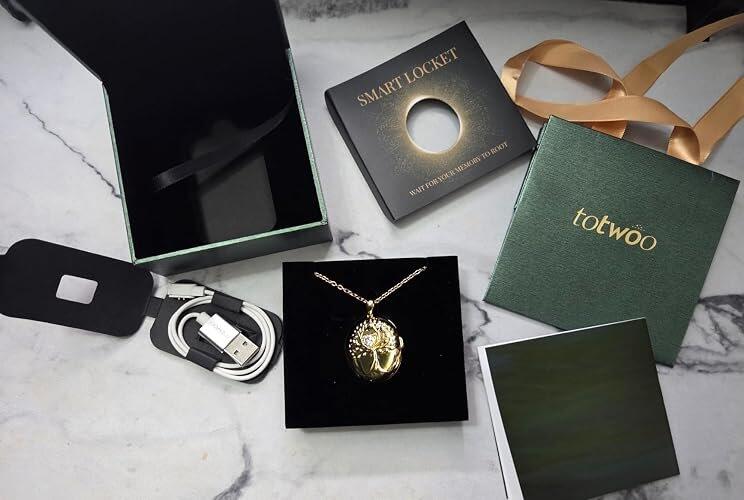
• Tree of Life Smart Locket
• Adjustable 316 stainless steel chain
• Magnetic USB charging cable
• User manual
• Gift card
• Gift-ready presentation box
Shipping
United States: Free standard shipping in 3–5 business days. Ships from our U.S. warehouse.
International: Free standard shipping in approximately 6–20 business days, depending on the destination.
View country-specific delivery estimates:
https://totwoo.com/pages/shipping-policy
925 Silver Pre-Order
The 925 Silver colorway will be dispatched separately within 15–20 business days. Delivery time begins after dispatch.
Warranty and Returns
Every TOTWOO Smart Locket includes a 1-Year Warranty covering manufacturing defects.
We offer 30-Day Free Returns on eligible items.
Returns and Refund Policy:
https://totwoo.com/policies/refund-policy
Need Help?
Visit our Help Center:
https://totwoo.com/pages/help-center
Or contact us at support@totwoo.com.